> For the complete documentation index, see [llms.txt](https://faq.flamista.com/llms.txt). Markdown versions of documentation pages are available by appending `.md` to page URLs; this page is available as [Markdown](https://faq.flamista.com/guides/instagram-auto-comment.md).
# Instagram Auto Comment
This automation will use targets you set in the same Reactions Pro.
In this FAQ, you will learn how to set up automation for -> Auto Comment.
**Suggestion: Instagram Mass Story Actions for Masslooking and Story Likers are more effective than Auto Follow/Unfollow Method**
## Auto Comment: With this, you can Auto Comment on your target user's post comment box.
***Caution:*** This automation has been severely restricted by Instagram due to their Anti-Spam policy; please be cautious. Please be aware of the speed you set. Aged accounts can have higher speeds than newer ones.
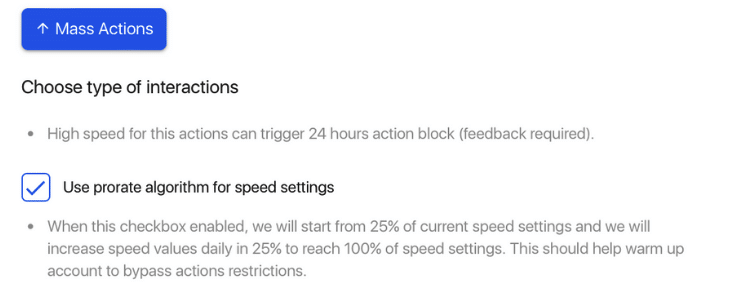
### Select Prorate Algorithm function to set the speed to 25% of the speed you set. It will gradually speed up 25% each day until it reaches 100% of the speed you set